Collector guides
Import a die-cast spreadsheet: CSV and Excel guide
Keep one header row, one model record per row, and clear values. Start with a copy of your file, map the columns, then inspect the preview before adding anything to your Garage.
Start with a working example
The downloads contain two fictional records, representing three cars because the second record has quantity 2. The CSV and Excel versions contain the same data. Their headers, amounts, dates and tags are tested with the current Cast Garage import parser. Replace the sample rows before importing your collection.
Fictional example data. Replace both rows with your own records before importing.
Map meaning, not just similar words
- casting
- The model name. This is required. The template uses “Example Roadster”.
- brand
- The toy manufacturer. A missing brand becomes “Unknown”; it is different from vehicle_make.
- quantity
- A whole number from 1 to 99999. Blank defaults to 1.
- purchase_price and purchase_currency
- Use a decimal amount such as 12.50 and a three-letter currency such as USD. Under the advanced purchase_price_minor header, 1250 means 12.50 for a two-decimal currency; do not put 12.50 in that integer field.
- purchase_date
- Use YYYY-MM-DD, or a real date-formatted Excel cell.
- purchase_place
- The shop or source where you bought it. This is not its shelf or storage location. The alias “Location” maps to purchase place: check it carefully.
- package_state, car_condition and tags
- Use loose, carded, boxed or other for packaging; mint, near_mint, good, fair or poor for condition. Separate tags with a pipe, semicolon or comma. Keep a comma-containing CSV cell quoted.
Other supported detail columns include vehicle_make, vehicle_model, release_year, series, series_number, collector_number, toy_number, color, rarity, package_condition and notes. The template uses a useful subset. Check unmapped columns explicitly; familiar-looking headers are not a guarantee of a correct match.
Check the before-and-after preview
Fictional sample check
Spreadsheet: Example Models, Example Roadster, quantity 1, purchase_price 12.50, currency USD, date 2026-10-01, tags roadster|display.
Expected normalized record: the same brand and casting, quantity 1, price 12.50 USD, the same date and two separate tags. The price is stored as 1250 minor units. The second sample has quantity 2 and price 8.00 EUR.
In the app, choose the file, review column mapping and inspect the preview and any invalid rows. Resolve catalog suggestions deliberately; a manually added Garage record does not require a catalog match. Keep your original file until you have checked the resulting records.
Fix common problems before retrying
- Save CSV as UTF-8. Keep unique, non-empty headers and at least one data row.
- Use .csv or .xlsx. Legacy .xls is not supported. The current parser limits are 5 MiB and 10,000 data rows.
- Use plain values, clear dates and matching currency codes. Check leading zeroes in identifiers.
- Keep uncertain details in notes. Review existing records before repeating an import; do not assume every import merges or updates existing items.
Android builds through 30 can misread quoted CSV fields with Windows CRLF line endings as duplicate headers. This is fixed in build 31 and later, including build 32. If you use an older build, update when available or use the supplied LF CSV example or Excel format. Keep your original file and review the import preview.
Know what an export brings back
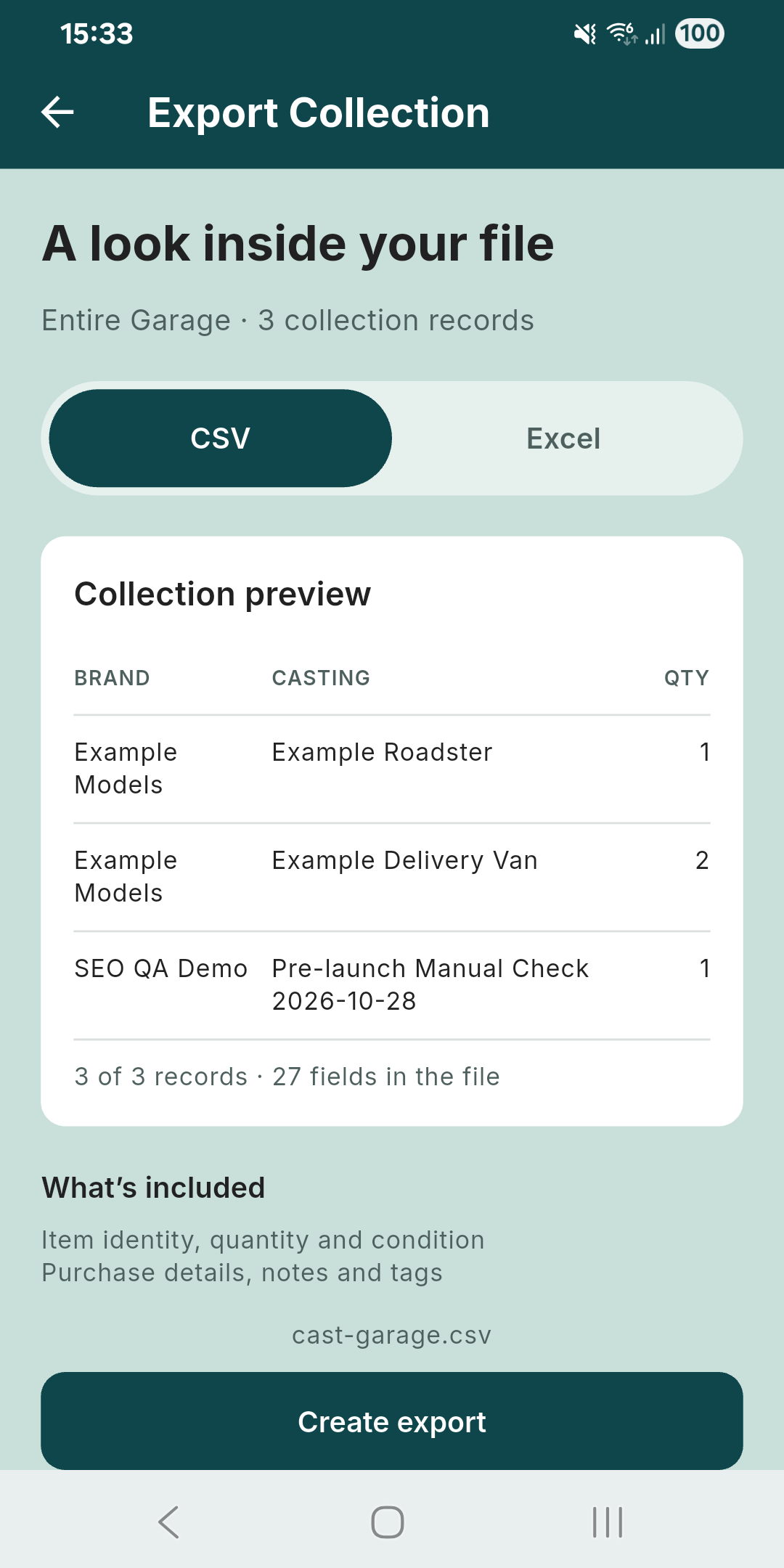
CSV/Excel exports contain collection details such as identity, quantity, condition, purchase information, notes and tags. They are not a complete backup of photos, Wishlist, storage relationships or account settings. Export timestamps are not editable import fields. Keep stable/catalog identifiers from an existing export intact if using them, and check mapping and preview again. This example proves parsing and normalization, not an unrestricted backup-and-restore workflow.