Collector guides
How to organize a die-cast collection you can actually find
Give each model a consistent record and a physical location. Start with one shelf or box, record its contents, and update that record whenever a car moves.
Start with one manageable group
Choose a single shelf, drawer or box. Count what is there before reorganizing everything. Decide whether one record means one distinct model or several identical copies. Use quantity for identical copies; separate entries help when condition, packaging or purchase details differ.
Record enough to distinguish the release
Keep the toy brand separate from the real vehicle maker. Record the casting name, color, release information and any printed toy or collector number you can verify. Two cars with the same vehicle name can be different releases. Leave uncertain details blank or explain them in notes instead of turning a guess into a fact.
Use labels you can read in a year
Write a location such as Cabinet A / shelf 2 on the inventory and a matching label at the physical location. Avoid names that depend on where you are standing, such as “the box over there.” Photograph the whole group for context, then record individual models.
A fictional record
Example Models · Example Roadster · Blue · quantity 1
Location: Cabinet A / shelf 2.
Notes: loose model, small mark on rear bumper.
The name identifies the model, the location tells you where it is, and the notes distinguish this particular copy.
Check before buying, update after moving
- Search your inventory by casting and brand.
- Compare color, release numbers and packaging with the item in front of you.
- Check quantity and condition before deciding whether another copy is intentional.
- Update the record after a purchase, sale or move. Keep wanted models on a separate Wishlist.
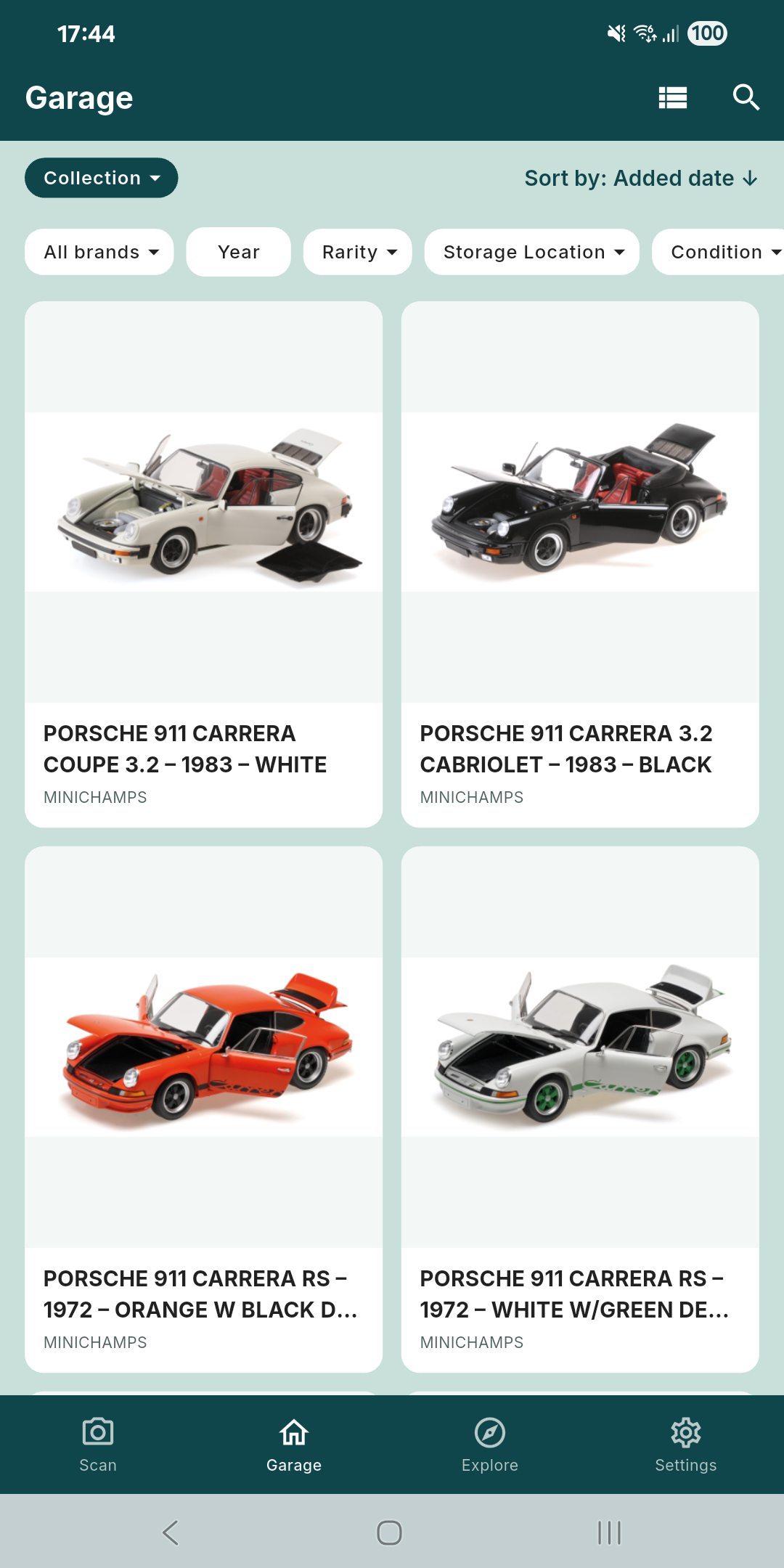
In Cast Garage, Garage search and filters help you find records; storage locations and notes keep the physical context. You can add a model manually when it is missing from the catalog. An inventory helps you check your own records; it does not certify rarity or market value.
Keep a usable copy
Export a dated CSV or Excel copy after a substantial update and keep it somewhere you can find later. A spreadsheet export is a record snapshot, not a complete backup of photos, account settings or every app relationship. When using an app offline, check which records have already been cached before relying on them at a shop.