Collector guides
Photograph die-cast cars for identification and review
Photograph one model clearly, keep the identifying markings visible, and treat the result as a suggestion to verify. A readable photo helps inspection; it cannot guarantee an exact release match.
Prepare a simple photograph
Place the model against a plain background with soft, even light. Wipe the camera lens and hold the phone steady. Fill most of the frame with the car without cutting off its ends. Check focus on the model, not on the shelf behind it. Retake a blurred or glare-covered photo before starting a scan.
Packaged and loose models need different views
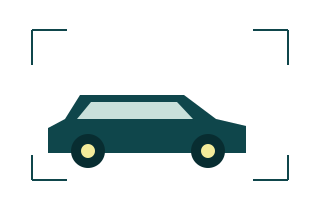
Start with a clear three-quarter or side view. Add another view for wheels, markings or details you need to compare.
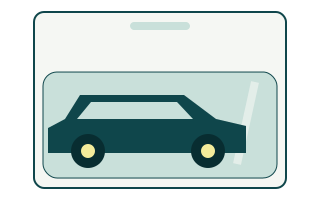
Keep it sealed. Move the light or camera to reduce reflections, and photograph the package label separately if needed.
These are original illustrations, not photographs or recognition results. Record base and package markings as written, then confirm what they refer to. Keep the overview and close-ups together so a detail is not detached from the correct car.
Review the evidence before saving
- Compare the suggested toy brand and casting with the model and its markings.
- Check color, wheels, series, printed identifiers and packaging. Similar-looking releases may need more evidence.
- Correct uncertain fields or leave them unresolved. A confidence percentage is not certification.
- Save the record you have checked. Use manual entry if the suggestion is wrong or the catalog has no suitable match.
A real correction, not an accuracy claim
The Android example below shows a scan whose model and brand were manually corrected. Its original 72% match badge was left unchanged. It demonstrates the review step; it is not an independently verified identification, an accuracy rate or proof that the app always recognizes a release.
Know what a photo cannot establish
A photograph alone does not guarantee authenticity, rarity, an exact production release or market value. Cast Garage does not provide market valuations. Check manufacturer information and your own records where details matter. Scan availability and allowances are shown in the app and require an internet connection. You can prepare useful photos and inventory notes before the public app launch.
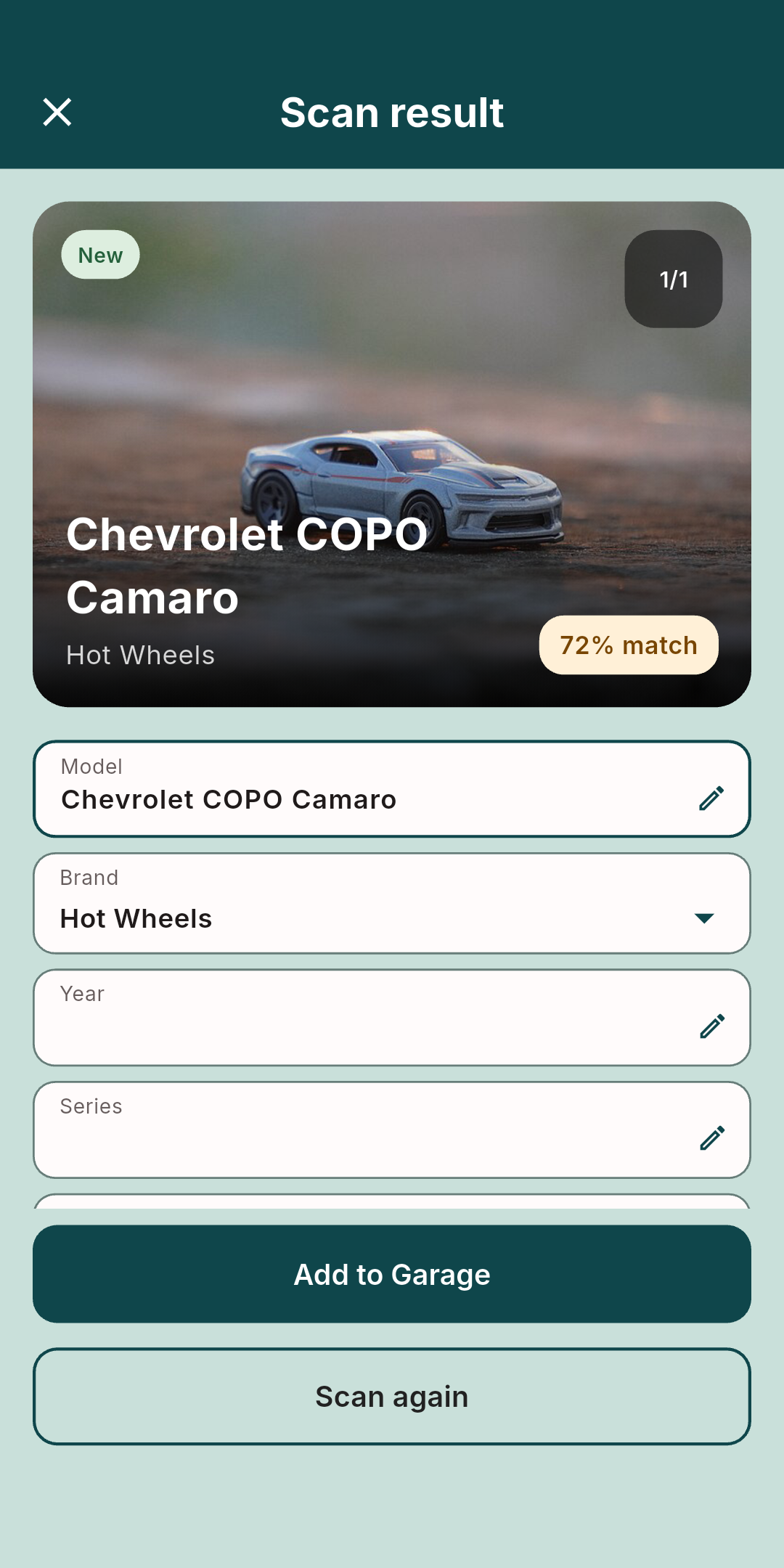
Scan photograph: HOTWHEELS CHEVROLET COPO CAMARO — Tahmid Rubayet Hossan, CC BY 4.0. Resized in the app; shown within an unedited screenshot.
