A new find starts with a photo.
Use your camera or gallery to identify a casting with AI. Review the possible matches, fine-tune the details, and add it to your Garage.
- Multiple photos and angles
- Edit before you save
- Already-owned checks
A HOME FOR YOUR DIE-CAST COLLECTION
Know what you own and where it is stored. Scan one die-cast car or a batch with AI, review suggestions, and import or export CSV and Excel. Coming soon to Android and iOS.
Explore every collector tool
LESS KEEPING TRACK. MORE COLLECTING.
One new find or years of collecting. Bring it all together, keep the details, and take your collection with you.
Use your camera or gallery to identify a casting with AI. Review the possible matches, fine-tune the details, and add it to your Garage.
Work through multiple finds in one flow. Review a batch together, adjust each car, and organize the whole haul.
Bring an existing collection into Cast Garage from CSV or Excel. Map your columns and preview the rows before importing.
Export your entire Garage as CSV or Excel. Keep a personal copy, open it in your favorite spreadsheet app, or share the file.
BUILT FOR YOUR COLLECTION
More ways to scan. More ways to organize. Thoughtful tools for the collection that keeps growing.
Explore the toolsIdentify a new find from photos, review the matches, and make the details your own.
Bring your spreadsheet collection with you, with column mapping and a preview before import.
Take a complete Garage snapshot into your own files, with the details you’ve collected.
Narrow the collection by the details that matter and find the exact car you’re looking for.
Organize by theme, project, favorites, or your own collecting system.
Review multiple finds together, fine-tune each car, and assign storage for the whole batch.
THE DETAILS MAKE THE COLLECTION.
A collector’s everyday essentials, from the display shelf to the next car you’re hunting.
Shelves, bins, cases. Give every car a location so you know exactly where it belongs.
Keep what you want alongside what you own, ready for your next collecting trip.
Browse brands, scales, series, and releases. Follow your curiosity to your next favorite.
Add cars manually, edit your records, and keep quantities, condition, notes, and purchase details.
Browse your saved collection when you’re away from a connection. Updates and scans need internet.
Switch between grid and list, search your Garage, and enjoy light or dark mode.
A LOOK INSIDE
Real Android screens from our test build, shown in English. Explore your Garage, review a scan, and preview an export.

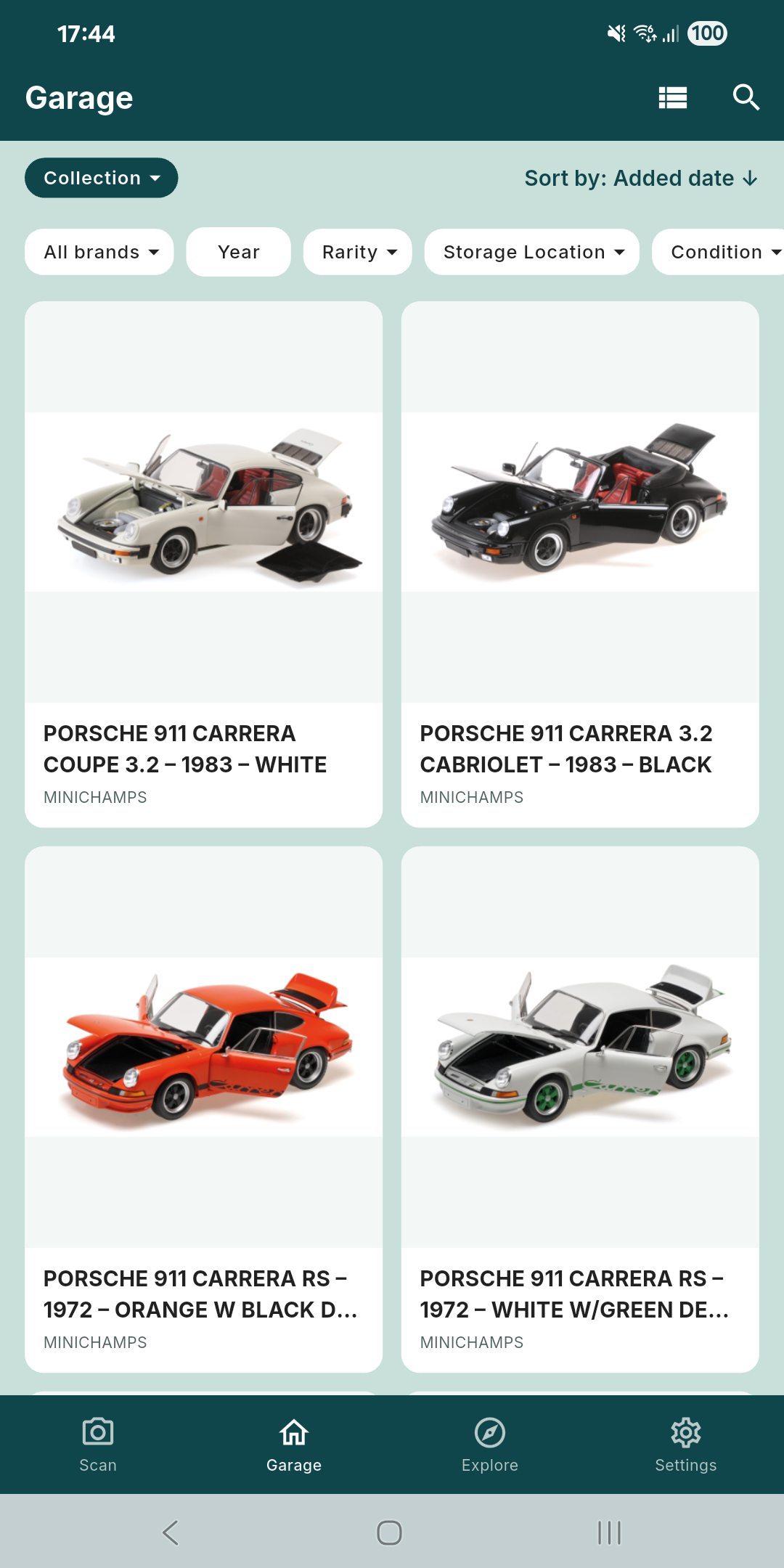
Browse your models and find them with search and filters. Keep quantities, condition, notes and storage locations with each entry.

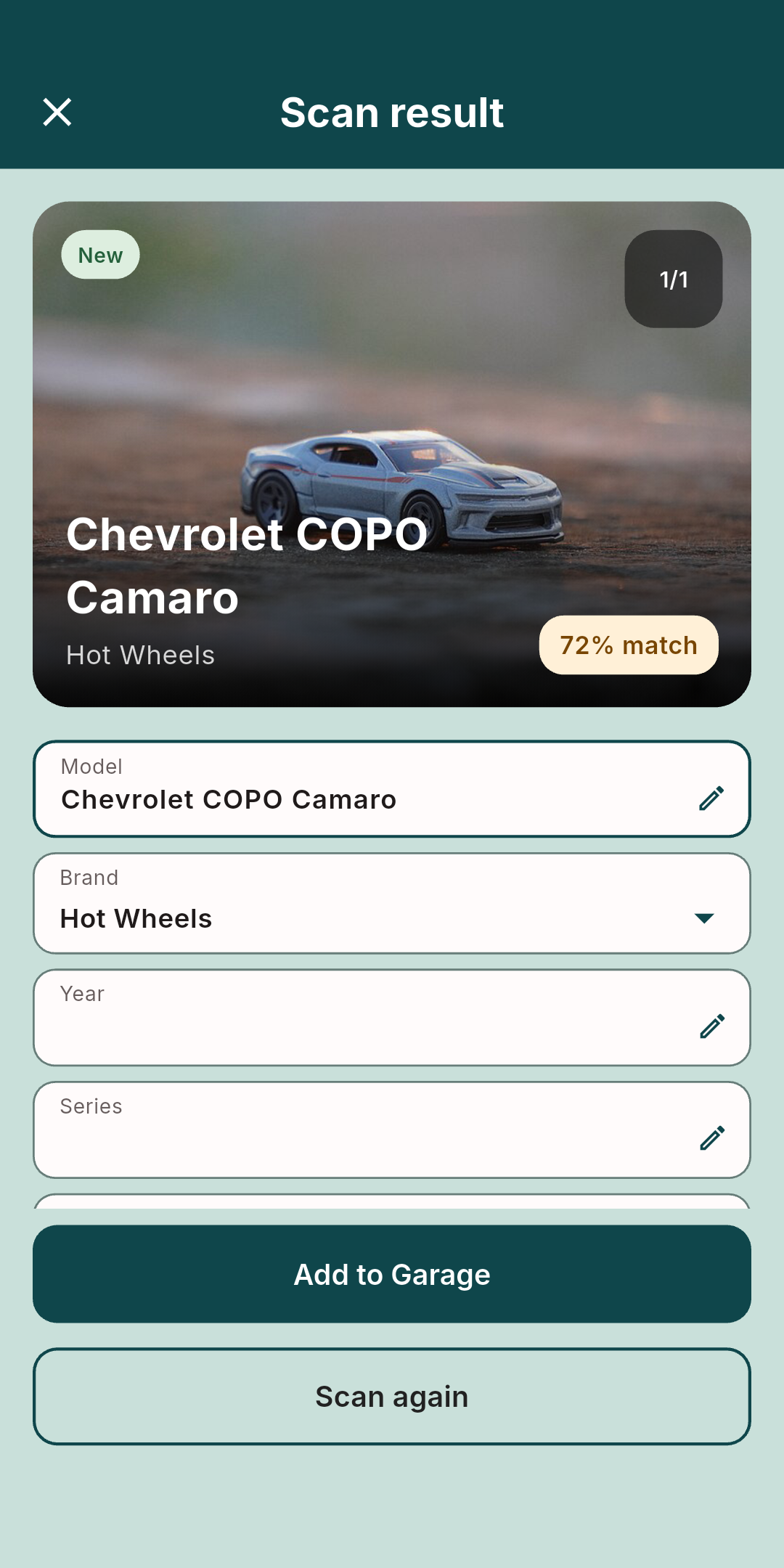
AI suggestions can be wrong. In this example, the model and brand were corrected manually; the original 72% badge is unchanged.

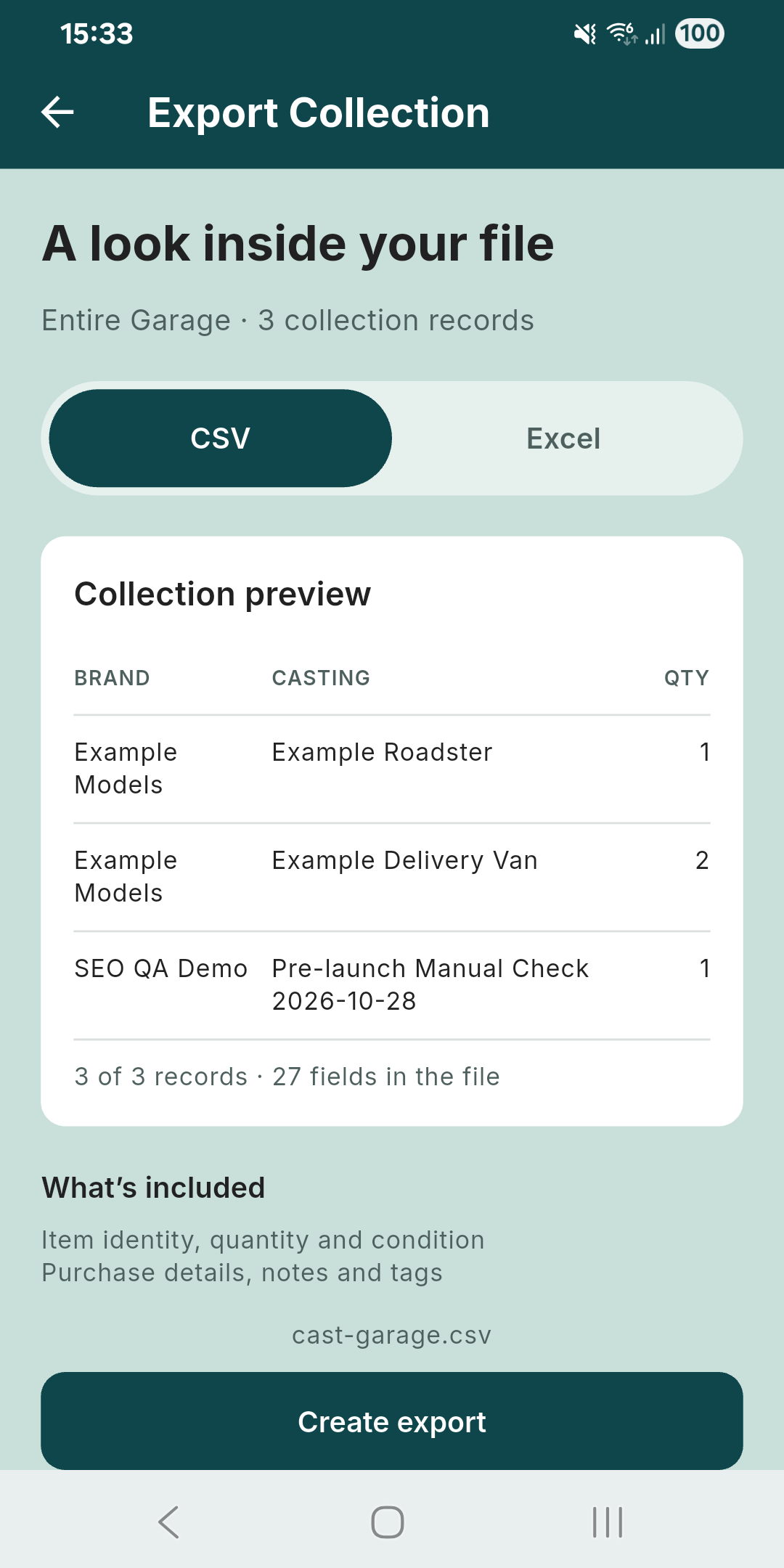
Preview your Garage records, then choose CSV or Excel. Import also supports column mapping and a preview before adding rows.
Android test-build previews in English. Garage and export: 29 October 2026; scan review: 23 October 2026. Tap a screen for the full-size view.
Scan photo: HOTWHEELS CHEVROLET COPO CAMARO — Tahmid Rubayet Hossan, CC BY 4.0. Resized in the app; shown within an unedited screenshot.
FOR THE COLLECTOR IN YOU
It’s a memory, a great find, or the beginning of something bigger.
We get it. That’s why we’re building Cast Garage.
BEFORE YOU START
What to expect from Cast Garage, from your first model to a growing collection.
ABOUT CAST GARAGE
Cast Garage is provided by MAK Software Solution. It brings collection records, photo-assisted scans and spreadsheet tools together for die-cast collectors.
Already testing the app? Open Settings → Contact Us to send a support message.
For privacy, terms or account-deletion questions, contact:

[email protected]BIG PASSION. POCKET SIZE.
For the shelf at home and the next find out there.